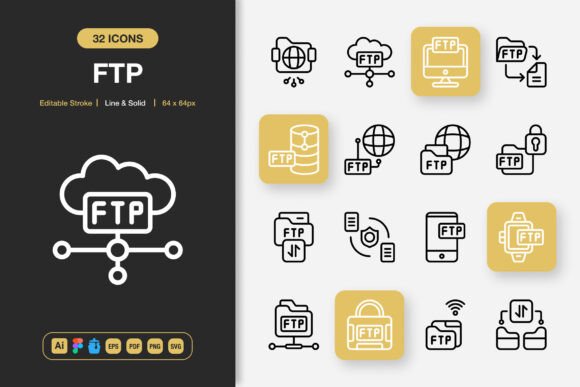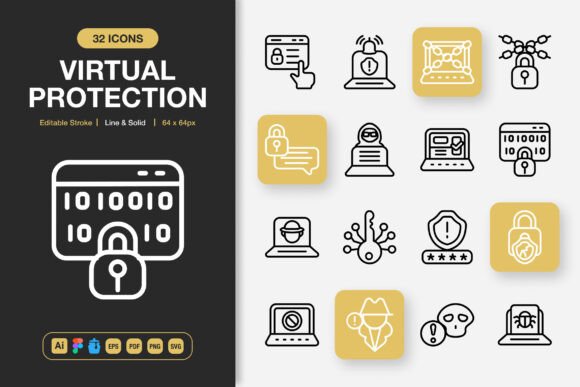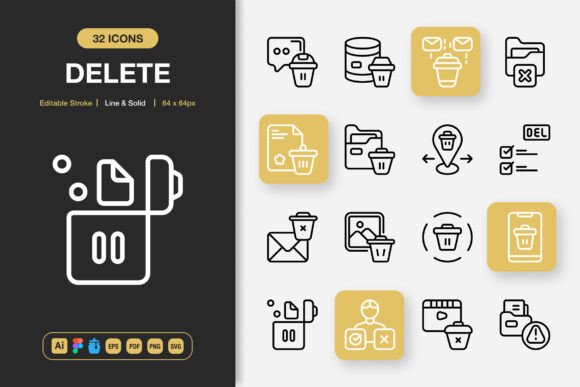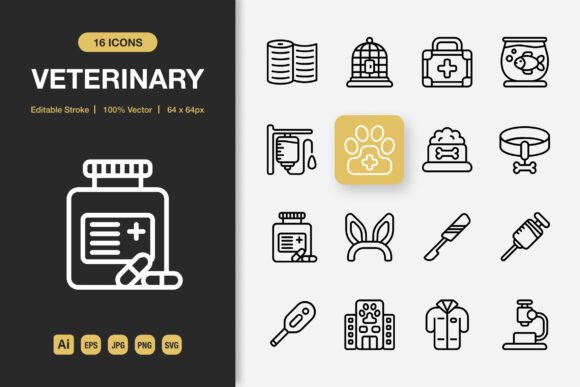
Pillow Icons: The Minimalist Icon Set That Transforms Every Creative Project
In a digital landscape where clean, intuitive visual communication can make or break user experience, the right icon set isn’t just a nice‑to‑have — it’s a quiet but powerful design asset. Pillow Icons arrive as a thoughtfully crafted collection that cuts through clutter with a refined minimalist approach, yet delivers the depth and adaptability modern projects demand. Whether you’re refreshing a mobile app, building an editorial infographic, or laying out a product brochure, these high‑quality icons slip effortlessly into your workflow, bringing consistency and polish without the heavy lifting.
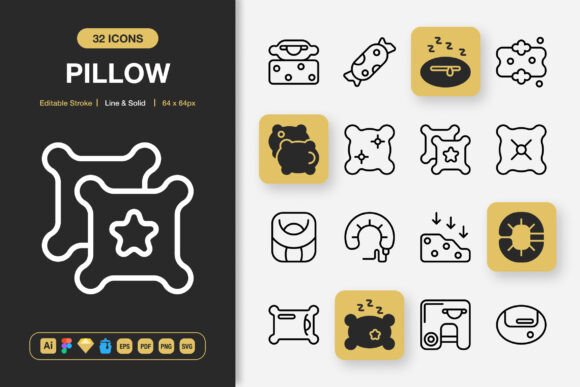
What sets Pillow Icons apart isn’t a single feature but a combination of practical decisions that designers will feel from the first drag‑and‑drop. The set offers two distinct style personalities — Line and Solid — so you can shift visual tone between airy, contemporary outlines and grounded, filled shapes without ever leaving the same design language. Both variants share the same geometric skeleton, meaning you can mix them in a single interface and the eye still reads them as a cohesive family. This dual‑style flexibility alone saves hours of hunting for matching assets across different projects.
Editable Strokes Give You Complete Creative Control
One of the most frustrating moments in icon work is discovering that a perfect‑looking set has locked strokes that clash with your brand’s requested line weight. Pillow Icons eliminate that tension entirely. Every icon is built with editable strokes, so you can adjust thickness, cap styles, and corner joints directly inside your favorite vector tool. If your web app demands a 2px stroke for legibility while a poster calls for a bolder 4px presence, you simply change the parameter — no need to redraw, no degradation in quality. This stroke‑level flexibility also extends to customizing terminal ends: round them for a softer SaaS product or keep them sharp for an edgy editorial layout.
Because the strokes remain fully live and adjustable, Pillow Icons adapt to accessibility requirements too. Increase stroke contrast for low‑vision interfaces or thin them down for delicate print work on luxury packaging. The same set that serves a developer handoff in Figma can instantly meet an illustrator’s need in Adobe Illustrator, all while preserving the crisp, professional finish you bought into.
High‑Quality Vectors That Scale to Every Canvas
Pixelation and fuzzy edges belong to the past. Every Pillow Icon is crafted as a high‑quality vector graphic, which means infinite scalability without loss of fidelity. Need that same envelope icon at 32×32 pixels for a mobile toolbar and again at 512×512 for a billboard hero image? It’s perfectly sharp at both extremes. The attention to optical alignment and balanced negative space — the kind of detail that separates a decent icon from a truly professional one — is baked into the set’s core geometry.
Designers working across print and digital will especially appreciate this. A Pillow Icon pulled into an InDesign layout for a full‑bleed poster remains just as crisp as the one living in a bottom‑navigation bar of an iOS app. Moreover, the PNG files with transparency provided at multiple resolution steps — 32px, 48px, 64px, 96px, 128px, 256px, and 512px — allow you to drop pre‑rasterized versions into non‑vector environments like presentation software or social media templates without missing a beat.
100 Customizable Icons Ready for Immediate Use
The pack delivers a curated selection of 100 icons that cover a wide communication spectrum: navigation, actions, objects, symbols, and more. While the count itself is generous, the real value lies in how custom‑friendly each asset is. Change colors on the fly, remove a detail, combine two icons into a new metaphor, or use the supplied editable paths to build upon the foundation. This isn’t a rigid, “use‑as‑is” resource — it’s a starter kit that invites your own brand’s personality.
- Line Style – lightweight, modern, and ideally suited for UI elements, wireframes, and minimal print.
- Solid Style – confident filled shapes that work beautifully for bold call‑to‑action buttons, tab bars, and vivid infographics.
- Consistent Grid – every icon sits on the same base grid size, so alignment stays effortless even when you mix different symbols.
Because customization is so straightforward, Pillow Icons fit into highly specific niches: a nutrition app might tweak the apple icon with a small leaf variation, while a fashion blog could add a subtle hanger detail — all without breaking the clean minimal foundation.
Seamless Drag‑and‑Drop Into Your Favorite Design Tools
Time is the designer’s most precious resource, and Pillow Icons respect that with an easy drag‑and‑drop integration philosophy. The package includes source files that plug directly into the tools you already use daily:
- Adobe Illustrator (source file) – for precise vector editing and print prototyping
- Figma File – drop the entire library into your team’s shared component library; use them as instances and update globally
- Sketch File – native symbols ready for prototyping and screen design
- Iconjar File – organize, search, and drag icons straight into any macOS app
- EPS Version 10 – legacy‑friendly vector format for older software or specialized RIP workflows
- PDF File – universal vector exchange that previews reliably across operating systems
- SVG File – web‑ready, lightweight, and directly usable in code or CMS platforms
- PNG Transparency – pre-sized rasters (32px, 48px, 64px, 96px, 128px, 256px, 512px) with alpha channel for immediate use
And because no one likes hunting for a forgotten spec, the download includes a clear Readme.txt that outlines file structures, naming conventions, and quick‑start tips. Whether you’re a veteran UI designer or a solo entrepreneur building your first landing page, you’ll be up and running in minutes — not hours.
Versatile Across Every Medium You Touch
The true test of an icon set is how many surfaces it comfortably inhabits. Pillow Icons shine across an impressive range of applications, proving that a single thoughtful collection can unify a scattered brand presence. Consider these common scenarios where the set becomes a daily workhorse:
Websites and Mobile Apps
Pixel‑perfect rendering and a compact visual footprint make these icons ideal for navigation menus, feature headers, dashboards, and onboarding flows. The editable stroke means developers can match the brand’s line thickness exactly, while the solid variant gives clear state changes for active/inactive tabs.
Social Media and Infographics
In a crowded feed, a consistent icon style helps your content look deliberate. Pair line‑style Pillow Icons with thin sans‑serif typography for an editorial look, or use solid versions as attention‑grabbing bullet points in an infographic about market trends. The transparent PNG sizes slot instantly into Canva, Photoshop templates, or video overlays.
Books, Flyers, and Print Collateral
Print demands high resolution and reliable color reproduction. The vector PDF and EPS files feed directly into layout programs without conversion hiccups. From cookbook recipe markers to event flyer icon corners, the minimalist aesthetic stays classy on coated paper, uncoated stock, and even large‑format banners.
Banners and Posters
Oversized visual communication requires icons that scale without becoming visually heavy. The clean geometry of Pillow Icons holds up at 10‑foot banner widths, and because you can customize the stroke weight, you won’t lose legibility from a distance.
Why Editable and Customizable Matter More Than Ever
Modern design pipelines rarely keep assets static. A UI kit that ships as flat, unchangeable shapes forces designers into workarounds — expanding strokes, converting to outlines, then manually tweaking each point. That friction costs both time and visual consistency. With Pillow Icons, the editable stroke feature means you maintain a live, non‑destructive editing environment. Brand guidelines update? Adjust the master stroke in Figma and watch every instance update instantly. This responsiveness aligns perfectly with iterative design sprints and agile product development.
Customization also extends to color adaptability. Because the icons aren’t tied to a specific palette, they can inherit your project’s primary, secondary, or even gradient mappings without leaving phantom halos or anti‑alias artifacts. The transparent PNGs integrate flawlessly over photos, textured backgrounds, or dynamic video thumbnails.
Helping You Work Smarter, Not Harder
There’s a quiet confidence that comes when your asset library is genuinely ready for anything. Pillow Icons were built to reduce the friction between idea and implementation. Instead of juggling multiple icon packs for different styles — one for wireframes, another for high‑fidelity mockups, a third for print — you lean on a single, flexible source. The 100 icons cover the essentials, and the layered file structure makes it simple to composite new symbols when you need something truly unique.
The drag‑and‑drop nature across Iconjar, Sketch, Figma, and Illustrator also accelerates team collaboration. A UX researcher can pull an icon for a concept test at the same time a visual designer perfects the same icon’s stroke for the final hi‑fi comp. Because the source files are shared as live documents, not dead exports, the whole team stays aligned.
Getting the Most from Your Pillow Icon Set
To unlock the full potential of these icons, consider a few practical approaches. First, open the Readme.txt — it’s short but surfaces handy technical notes like optimum SVG export settings and how to update Iconjar library paths. Next, import the Figma file as a shared library so your entire team can access and invoke icons with simple keyboard shortcuts. For Adobe Illustrator users, keep the source file as a master document and use the “Place” function to link rather than embed, keeping project files light.
When printing, favor the EPS or PDF versions and verify the stroke width in your final layout against your printer’s minimum positive line spec — though with Pillow Icons’ clean construction, you’ll rarely run into issues. The multiple PNG sizes also serve as a fast fallback for any tool that chokes on vectors, and the 512px resolution covers even high‑DPI displays with ease.
Ultimately, Pillow Icons represent more than a collection of symbols; they’re a reliable design companion that grows with your skills and adapts to an ever‑shifting project landscape. Whether you’re prototyping a startup’s MVP, designing an editorial print piece, or refreshing your agency’s social media templates, these versatile icons bring the same thoughtful precision and time‑saving practicality every single time. Change your next project by giving your visual language the quiet strength of minimalist, highly editable, and truly high‑quality icons — you’ll wonder how you ever worked without them.